
A Misrepresentation suspension is one of the most frustrating messages a retailer can get in Google Merchant Center. Your products vanish from Shopping, the notice is vague, and Google does not tell you exactly what is wrong. It just says your account does not meet the standards of the Misrepresentation policy and points you at a long help page.
The good news is that Misrepresentation suspensions are fixable, and they almost always come down to a short list of customer-experience and trust issues. This post explains what the policy is really checking for, the triggers we see most often, and a calm, step-by-step process for getting reinstated without making the situation worse.
If your account is still healthy and you are reading this to stay out of trouble, the companion post on 10 tips to avoid a Merchant Center suspension is the preventive checklist. This one is for stores that are already suspended and need to get back.
If you would rather work through this on paper, the same checks are in our printable Merchant Center suspension checklist (PDF). It covers the triggers below in a form you can tick off, and it is designed to print in black and white.
What the Misrepresentation Policy Actually Checks
Misrepresentation is Google's catch-all trust policy. It is not about a single disapproved product. It is an account-level judgment that your store, as a whole, does not give shoppers enough confidence that they are dealing with a legitimate business that will deliver what it promises.
The full policy lives on Google's Misrepresentation help page. Read it carefully, because Google expects your appeal to show that you understand it. In practice, it is checking whether a first-time visitor can quickly answer three questions: Who is this business? How do I contact them if something goes wrong? And what happens if I need to return or get a refund?
If any of those answers is missing, hidden, inconsistent, or contradicted somewhere else on the site, the account is at risk. Because the check is account-level, the suspension affects both your paid Shopping campaigns and your free product listings until it is resolved.
Before You Do Anything: Do Not Make It Worse
The two most common mistakes after a suspension both make reinstatement harder.
- Do not submit appeal after appeal. Each rushed appeal that does not fix the underlying issue can extend the cooldown before Google looks again, and repeated failed appeals make a reviewer less sympathetic. Fix everything first, then appeal once.
- Do not create a new Merchant Center account or a new Google Ads account to get around the suspension. That is a separate, more serious violation (circumventing systems), and it can get the new account suspended too.
Spinning up fresh accounts feels like a shortcut, but it is exactly the behavior Google's multiple account abuse policy is designed to catch. Resolve the original account instead.
The Triggers We See Most Often
Google rarely tells you the exact cause, so the fastest route to reinstatement is to audit your store against the issues that trigger Misrepresentation most often and fix every one you find.
Missing or hard-to-find contact information
Google wants shoppers to be able to reach a real business. Add a contact page with a working contact form, a monitored email address, and a phone number where reasonable. A physical business address helps too. Link the contact page from your footer so it is visible on every page, not buried.
Unclear returns, refund, and shipping policies
Every store needs dedicated, easy-to-find pages for shipping, returns, and refunds. They should be specific: real timeframes, who pays for return postage, how refunds are issued, and where tracking appears. Vague or boilerplate policies that contradict what happens at checkout are a common trigger.
Business identity that does not add up
Your business name should be consistent across the site, the domain, your Merchant Center settings, and ideally your social profiles. Sudden mismatches, a brand-new domain with no footprint, or a generic store name that does not match anything else all reduce trust. If Google asks for business verification documents, provide them promptly and make sure they match.
Pricing and promotions that mislead
Prices in your feed must match the landing page, cart, and checkout, including currency. Fake countdown timers, permanent fake sales, invented original prices, and promotions you cannot actually honor are all forms of misrepresentation. Keep promotions truthful and consistent with what a shopper experiences.
Reviews and trust signals you cannot back up
Fake reviews, reviews copied from other sites, invented testimonials, and unearned trust badges are a fast way to get flagged. Google can often detect copied review content. Use genuine reviews only, and remove any badge or certification logo you are not entitled to display.
An untrustworthy or unfinished site
SSL must cover the entire domain, not just checkout. Remove placeholder text, test products, broken links, and dummy content. Use a custom domain rather than a myshopify.com address. Make sure the site loads, the products are actually available, and nothing looks half-built. A site that feels unfinished reads as untrustworthy.
A Step-by-Step Reinstatement Process
Work through this in order. The goal is to fix the store genuinely, then make one clear appeal that shows a reviewer exactly what you changed.
- 1️⃣Read the suspension notice and the Misrepresentation policy in full so you know what Google is assessing.
- 2️⃣Audit your store against the triggers above. Open it in an incognito window as a first-time shopper would, and look for anything missing, inconsistent, or misleading.
- 3️⃣Fix every issue you find, not just the most obvious one. Misrepresentation appeals fail most often because the store fixed one thing and left three others.
- 4️⃣Make sure your footer links to shipping, returns, refunds, contact, privacy, and terms pages, and that each page is real and specific.
- 5️⃣Double-check that feed prices, currencies, and availability match the live site exactly.
- 6️⃣Wait until the store genuinely meets the standard, then submit one request for review through Merchant Center. In the notes, briefly list the specific changes you made.
- 7️⃣Be patient during the review. Do not submit another appeal while one is pending, and do not change accounts.
What to Write in the Appeal
A good appeal is short, specific, and shows you understand the policy. Do not argue that Google is wrong. Acknowledge the policy, then list the concrete improvements you made: the pages you added, the contact details you published, the pricing you corrected, the content you removed. Reviewers respond far better to a store that clearly took the standard seriously than to a complaint.
One thorough appeal that addresses every flagged area works much better than three quick ones that each fix a single item. Treat it as your one good shot and prepare the store fully before you send it.
How Long Reinstatement Takes
Review times vary. Some appeals are resolved within a few business days, others take longer, especially if Google requests business verification documents. The single biggest factor in your control is whether the store genuinely meets the standard when you appeal. A clean, trustworthy store with a clear appeal tends to move quickly. A partial fix tends to bounce.
If You Keep Getting Re-Suspended
Repeated Misrepresentation suspensions usually mean there is still an unaddressed trust issue, often something you have stopped noticing because you see the site every day. Have someone unfamiliar with the store go through it as a shopper, or work with a partner who manages Merchant Center accounts day to day and recognizes the patterns Google looks for.
At RetailerBoost we manage Merchant Center accounts for retailers as part of running their Google Shopping, so we see these suspensions regularly and flag the likely triggers before they become a problem. If you want to understand how that fits alongside your existing setup, the complete guide to Google Shopping for Shopify covers where account management fits in the bigger picture.
A Note on This Guide
This post is general educational information about Google Merchant Center policy, not legal advice or a guarantee of reinstatement. Google's policies and review decisions are theirs alone and can change. Following this guidance improves your odds and is good practice regardless, but no article can promise a specific outcome. Always check the current Google policy pages and your own account notices.
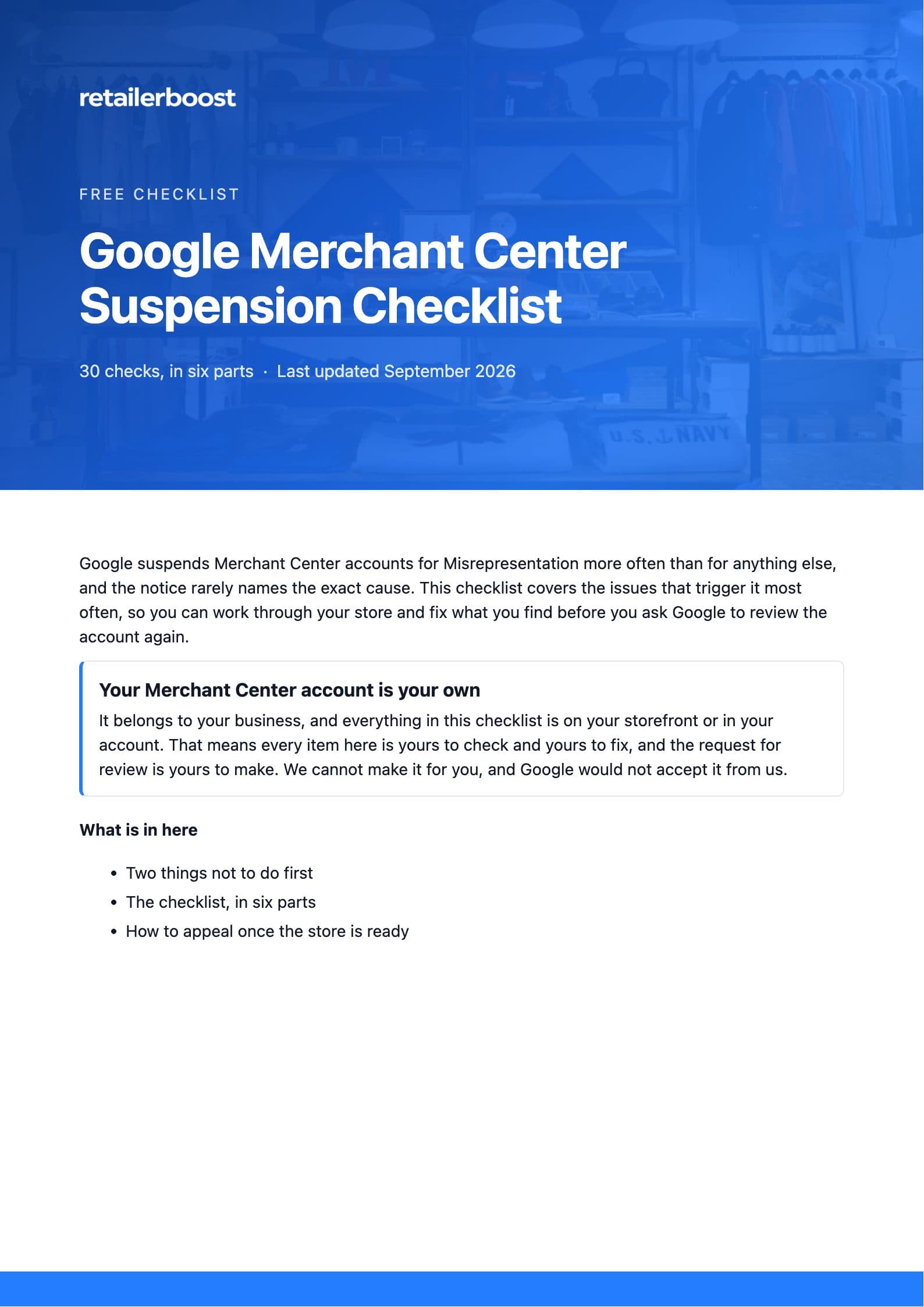
Google Merchant Center Suspension Checklist
The 30 checks Google looks at most often, grouped in six parts, plus how to make one clean appeal. Designed to print in black and white so you can tick it off on paper.
Download the checklistPDF · 5 pages · No email needed