
We suggest that you spend a few minutes ensuring your store complies with Google policies.
We've put together our top 10 recommendations below to help you cover some essentials. From our experience, these are the most common reasons that can lead to Google suspending accounts. You should check all items in this list, regardless of the type of products that you sell.
There is a printable version of these checks in our Merchant Center suspension checklist (PDF), grouped the way Google tends to look at a store.
The essentials of a good customer experience
- 🚚A shipping page, detailing the shipping and delivery methods available, including accurate or estimated timeframes, costs, and where customers will be able to find tracking information if available.
- 🪃A returns page, detailing how your returns process works.
- 💵A refunds page, detailing how your refund process works.
- 💬A contact page with a functioning contact form, an email address, and a phone number that customers can reach out to you on should they have a question regarding their order.
- ⚖️Have legal pages including terms and conditions, privacy, and cookie policies.
- 🔗Links to your pages: returns, shipping, refunds, contact, and legal pages are present in your website footer so they are easy to find.
- 🌐Use the verified website address associated with the store, and confirm that the website relationship meets the current Google & YouTube and Merchant Center requirements.
- ⭐No fake reviews, reviews taken from other websites or third-party sources. Google can detect these.
- 📣Do not make false or misleading statements and promotions on your website, be truthful.
- 🚧Remove all dummy and test content from your site.
If you do not follow these guidelines it is likely that Google will suspend the Merchant Center account that we manage for "Misrepresentation". This means we will not be able to promote your products until any issues Google finds with your site are fixed.
The list above is by no means exhaustive and following the steps does not guarantee that Google will not find other faults with your website. Regardless, following these steps is good practice as they can increase the perceived trustworthiness of your store and therefore improve your website conversion rate.
Hopefully, you're already providing a great customer experience but if you're using our app we'll let you know if we encounter any issues and feedback to you if we do get stuck!
Additional Resources
For more detailed information about Google's policies, we recommend reviewing these official Google resources:
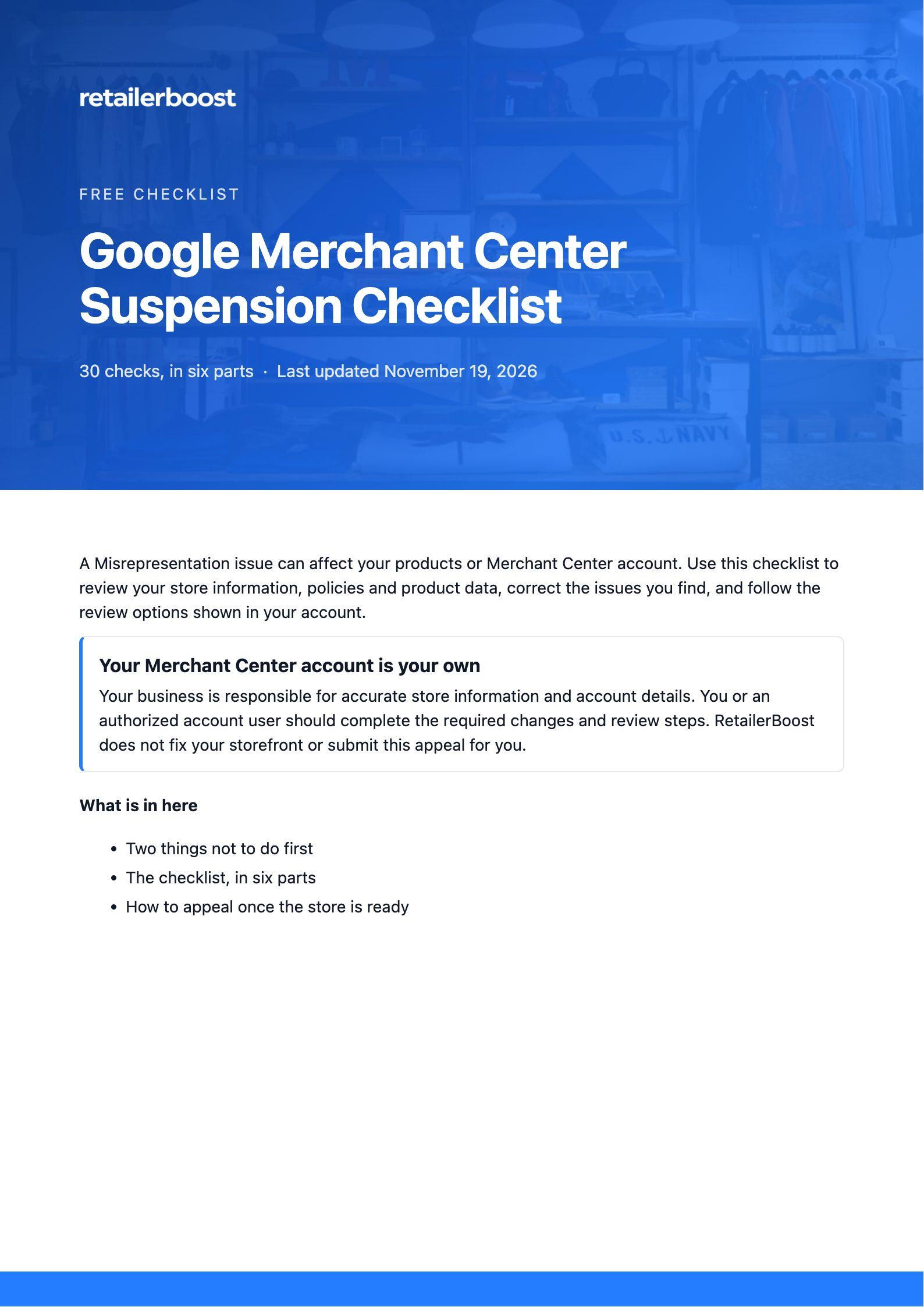
Google Merchant Center Suspension Checklist
30 storefront checks grouped in six parts, with guidance on preparing a review request. Designed to print in black and white so you can tick it off on paper.
Download the checklistPDF · 5 pages · No email needed